Aktar for iPhone & iPad
release notes.

Every version of Aktar for iPhone & iPad, newest first, with what changed in it. Changes that are only in the other Aktar apps are left out.

  • Live: 1.12.1

Version 1.12.1

Latest

Fixes for file requests and encrypted links

  • FixedRequest Files no longer stops at the CORS error when the rule is already on the bucket. With a key that can't change bucket settings, such as an R2 Object Read & Write token, Aktar now checks the way a browser would and creates the link if uploads are allowed.
  • FixedWhen Aktar can't add the CORS rule itself, the message now says why and where to add it. For Cloudflare R2 it names the place in the dashboard: R2, your bucket, Settings, CORS Policy.
  • FixedEncrypted links: files over 200 MB are decrypted straight into the file you save in Chrome and Edge, instead of being held in the browser's memory. Other browsers keep the decrypted file in smaller pieces.
Version 1.12.0

Share pages, encrypted links and file requests

  • NewShare Page per destination: every upload gets a page next to it in your bucket, with a preview and a download button, and Slack, Discord, iMessage and X show a card for its link.
  • NewText and code up to 256 KB are shown on the page, highlighted, with Copy text, Download and Wrap lines.
  • NewGalleries: several files uploaded together get one page and one link, with Download all as a ZIP.
  • NewEncrypted links: files are encrypted on the device with AES-256-GCM before they go up, with Key in the Link or Ask for a Password. The page decrypts them in the browser, and the key never reaches a link shortener.
  • NewRequest Files: a link where anyone can send you up to 20 files, straight into your bucket, for an hour, a day or a week, with a title, a note and a size limit. Aktar uploads what arrives through the destination's usual upload.
  • NewCopy File Link in the Library copies the file's own link when an upload has a share page.
  • Improved"Copy as" Custom has a {file} variable: with a share page, {url} is the page and {file} the file itself. Markdown and HTML keep embedding images, videos and audio from the file.
  • ImprovedShare to Another Device and Import from Another Device carry the Share Page and Encryption settings.
  • ImprovedThe destination form warns when share pages or encrypted links are on an r2.dev address, or on a path-style URL shared with other buckets.

Version 1.11.0

Capture, instant links and Undo

  • NewCopy the link right away (on by default): the link is copied before the bytes are sent and works once the upload is done, with a notification while it's still uploading.
  • NewUploads wait for a connection instead of failing, with Retry and Cancel, and go on by themselves when it's back.
  • NewAn upload whose link was copied continues after Aktar quits or the computer or phone restarts, to the same link, for up to a week. On Android, for files up to 512 MB.
  • NewUndo for 10 seconds after an upload, from its notification, the panel or the Undo the last upload shortcut: deletes the file, its bucket thumbnail, its short link and its history entry, and puts back what was on the clipboard.
  • NewCopied text uploads as a .txt, .md or .json file, and a copied link to a file is downloaded and uploaded to your bucket. A link to a web page is refused.
  • ImprovedThe local API's upload-clipboard, aktar://upload-clipboard and, on the iPhone, the Upload Clipboard shortcut take text and links too.
  • ImprovedText files that are valid UTF-8 are uploaded with charset=utf-8, so browsers show accented and Turkish letters right.

Version 1.10.0

Up-to-date building blocks

  • NewReady for the upcoming Aktar plugin for Obsidian: Aktar can pair with it in one click, and asks first, the way it does for Raycast. On the iPhone and Android, sharing a destination to another device gets Open in Obsidian.
  • ImprovedUpdated components: Sparkle (app updates), Soto (S3), SwiftNIO and swift-crypto on the Mac; Tauri, rustls, hyper, the AWS SDK, React and Vite on Windows; Expo's modules on the iPhone and Android.

Version 1.9.0

A security release for every Aktar

  • NewLocal API: GET /v1/hello lets the CLI and Raycast check they're talking to Aktar before sending the token.
  • ImprovedFiles sent from another app through the Services menu or the Share menu are only uploaded after you confirm. Aktar names the files and the destination. Uploads from Finder aren't asked about.
  • ImprovedImport from Another Device shows where the destination sends files, links, short links, webhooks and scripts before saving it. Webhooks and scripts come in off, and Use For rules and the output template are only kept if you choose to.
  • ImprovedUpdating an existing destination from an import keeps its own webhooks, scripts and Use For rules unless you keep the imported ones.
  • ImprovedConnect Raycast only hands over the local API token to Raycast itself. Otherwise nothing is shared and Aktar says why.
  • ImprovedThe local API refuses uploads larger than the free disk space (keeping 2 GB free) and more than 32 connections at once.
  • ImprovedWatched folders only upload, move to Trash or move to Uploaded a file that's still the one Aktar checked. An Uploaded folder that's a link to another folder is never used.
  • ImprovedFiles from a Shortcuts action always stay in Aktar's temporary folder, whatever their name.
  • ImprovedXSLT stylesheets, .shtml pages and web archives (.mht, .mhtml) download when their link is opened, like HTML, instead of running on your bucket's domain.
  • ImprovedThumbnails of bucket files are made from a download under a safe file name, whatever the file's key.

Version 1.8.0

Clean URLs and short links

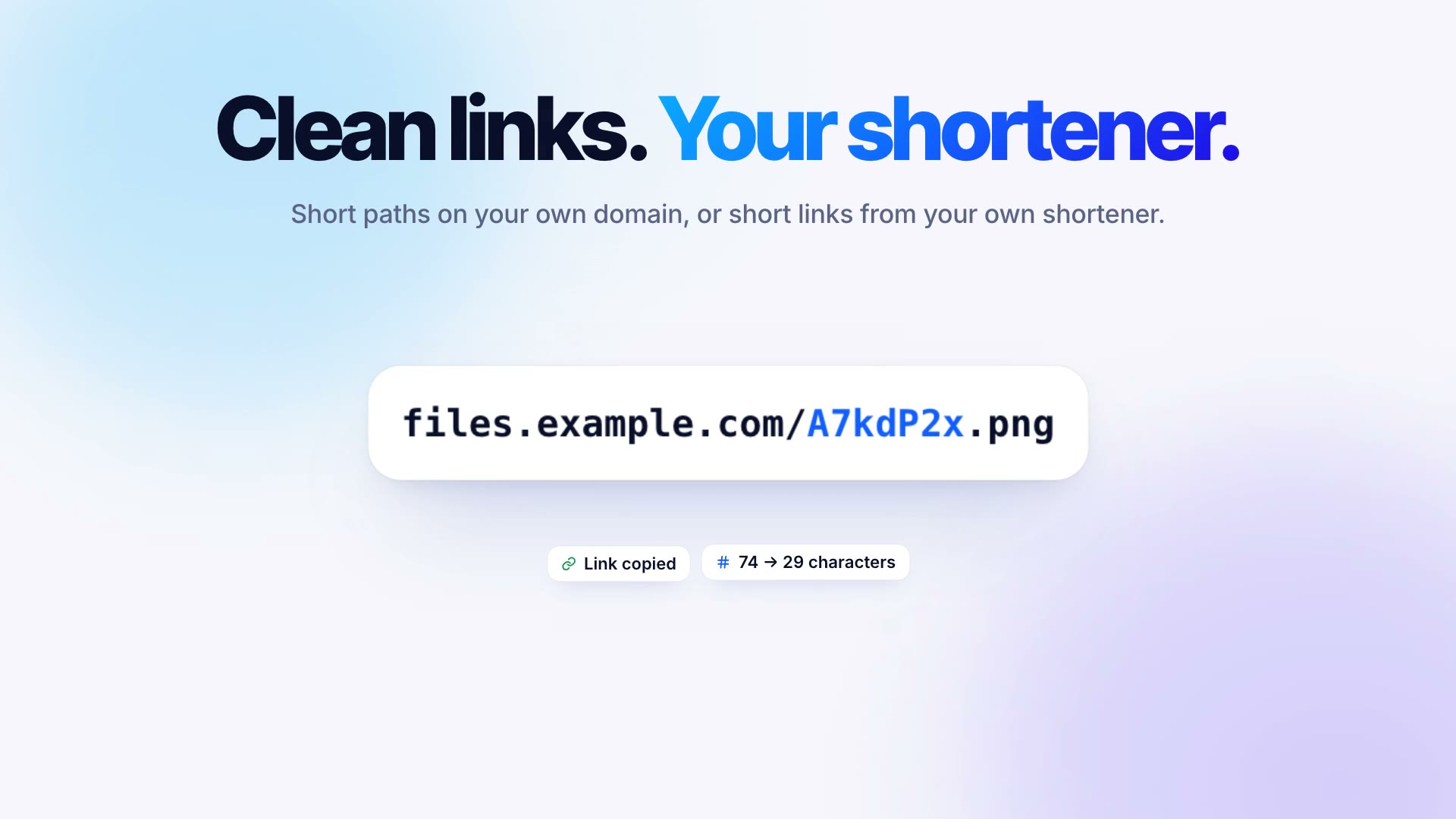
  • New{short} in a path template: a random 7-character code for links like files.example.com/A7kdP2x.png, never written over an existing file. New destinations use {year}/{month}/{short}.{ext}.
  • NewPresets next to a destination's path: Clean URL (Recommended), Short with Date and Original File Name. A destination on your own domain suggests a clean URL.
  • NewShort Links on each destination: Shlink, YOURLS, Kutt, Dub, Short.io or a custom HTTP request, with Test, a minimum length and temporary links. The short link is copied, used in every format and shown in the QR code.
  • NewImport ShareX Configuration (.sxcu)… turns a ShareX custom URL shortener into a custom request, after showing where your token will be sent.
  • NewHistory shows short links with their clicks and last click, with Copy Short Link, Copy Original Link, Create Short Link and Delete Short Link.
  • NewLocal API: shortUrl on uploads, short=1 or short=0 for one upload, and GET and POST /v1/uploads/{id}/short-link. Webhooks and scripts get upload.shortUrl.
  • ImprovedDeleting, renaming, moving and replacing a file keep its short link in step, and an expiring upload's short link expires with it.
  • ImprovedSet Up Cloudflare R2… saves {short}.{ext} as the path when links use your own domain.
  • ImprovedShare to Another Device carries a destination's short link settings and token.

Version 1.7.0

Cloudflare R2 in a minute

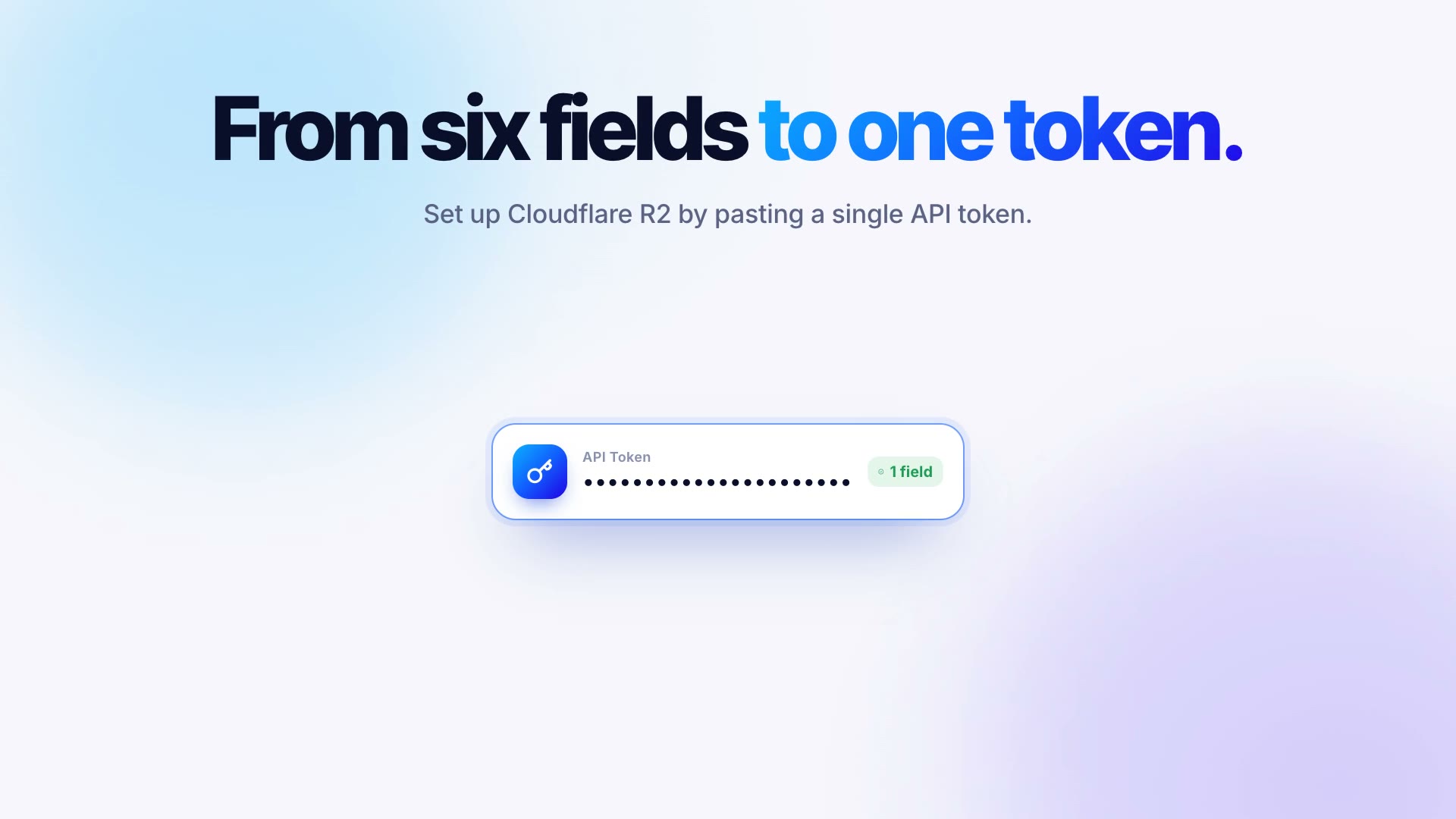
  • NewSet Up Cloudflare R2… in Settings › Destinations: one pasted API token creates the bucket or uses an existing one, turns on public links (the r2.dev address or your own domain) and saves the destination with its keys. The main button when there's no destination yet.
  • ImprovedA destination set up this way tests itself right after it's saved, and a domain that's still being connected says so.

Version 1.6.0

Files that find their own destination

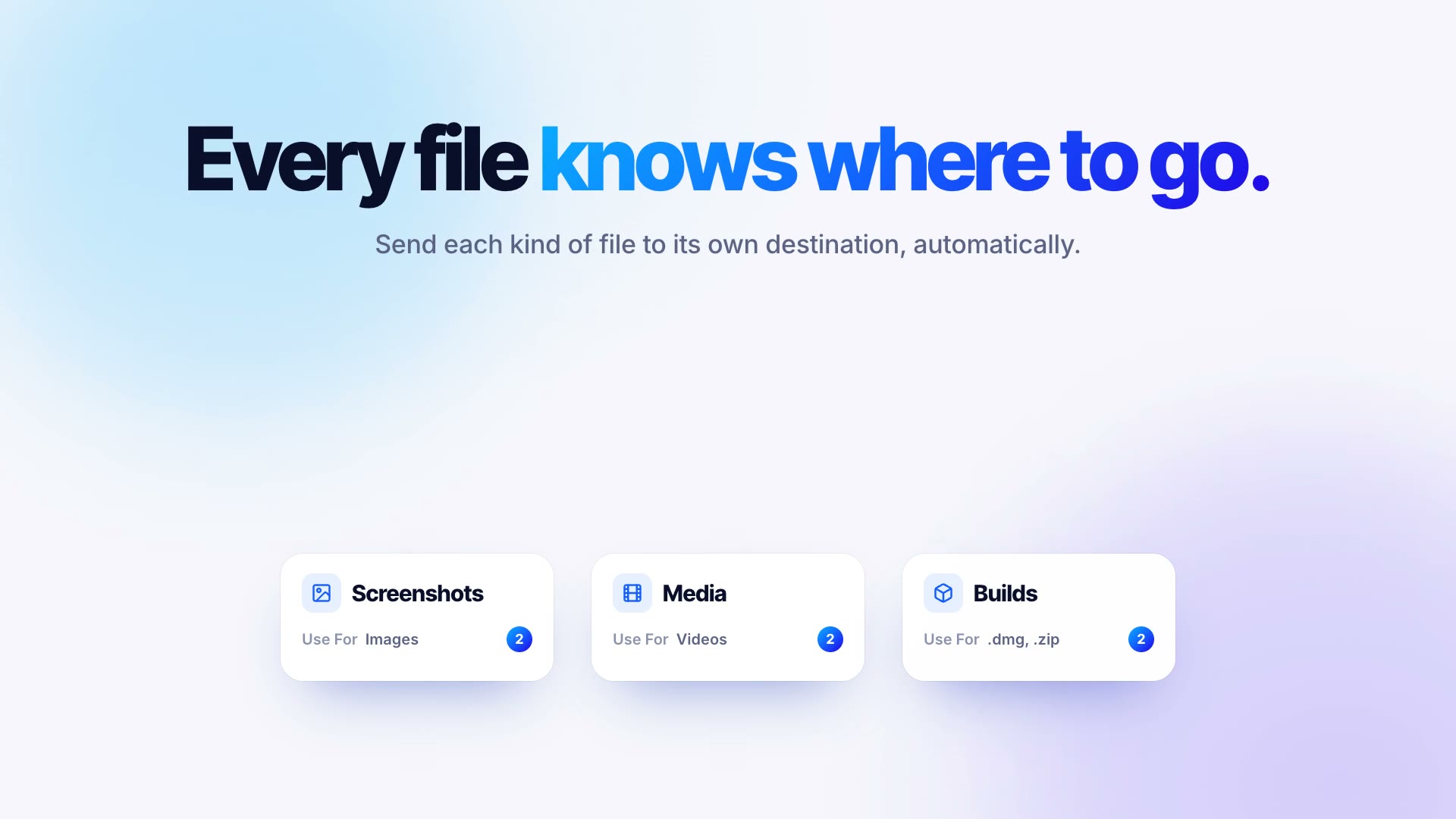
  • NewUse For on each destination: file types and extensions that go there when an upload doesn't name a destination. The drop area lists where files go.
  • NewA Keyboard Shortcut for each destination that uploads the clipboard there.
  • NewReplace File… in History and the bucket view: a new file at the same key, so its link keeps working, with a Replaced date and a new thumbnail.
  • NewShort cache time and an optional Cloudflare cache purge for replaced files, also when a watched folder writes over its upload.
  • NewAfter Upload on each destination: webhooks and scripts after each upload and replace.
  • NewShortcuts actions: Upload File, Upload Clipboard, Replace File and Get Recent Uploads.
  • NewLocal API: replace endpoints, and uploads without a destination follow Use For. aktar replace in the CLI uses them.
  • ImprovedShare to Another Device carries Use For, the cache settings, the Cloudflare token and the hooks.

Thumbnails for every file, and videos that play

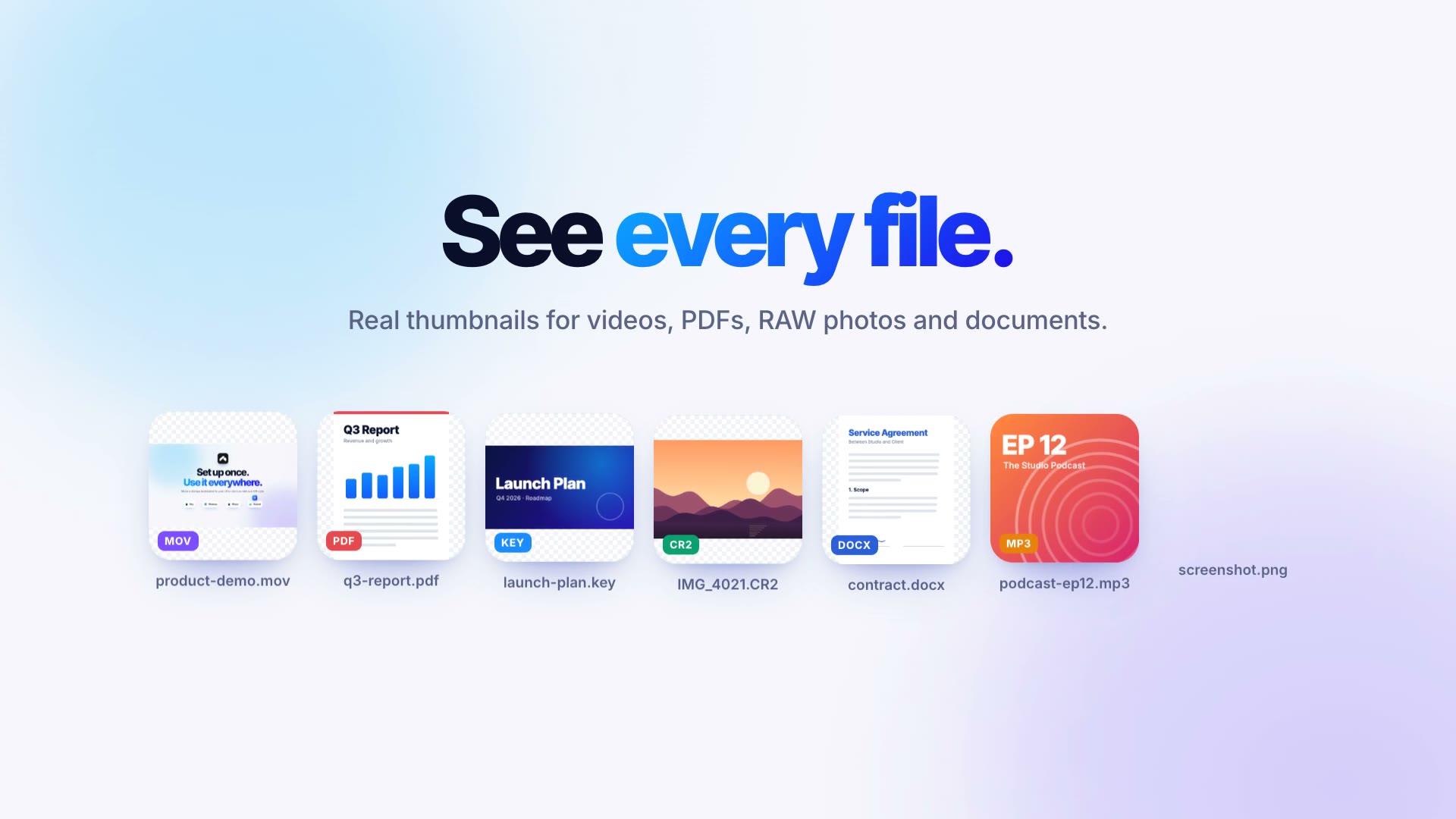
  • NewThumbnails for videos, PDFs, RAW and HEIC photos, Office and iWork documents, fonts and more in History, the menu bar and the bucket view.
  • NewA Thumbnails setting for each destination: Off, On This Mac or In the Bucket, with a folder of your choice.
  • NewThumbnails in the bucket are deleted, renamed, moved and expire together with their files, and their folder is hidden in the bucket view and the local API. Leaving that mode asks whether to delete the ones already there.
  • NewVideos and audio files play in a file's details, streamed from the bucket, private buckets too.
  • NewSettings › General shows how much space thumbnails take on this Mac, with Clear… to remove them.
  • NewThe local API serves thumbnails, so the Raycast extension can show them too.
  • ImprovedThumbnails are sharper (512 pixels instead of 320) and take about a tenth of the space.
  • ImprovedThumbnails are kept next to your history, so macOS or a cleaner app emptying caches no longer leaves rows with only an icon.
  • ImprovedThe Thumbnails setting travels with Share to Another Device.
  • FixedScreenshots pasted from the clipboard get a thumbnail in History again.

Safer sharing and a round of fixes

  • ImprovedRemove location and Remove all cover WebP, AVIF and GIF images, PNG text chunks and .mov, .mp4 and .m4v videos, inside folder ZIPs too. A file that can't be cleaned isn't uploaded.
  • ImprovedHTML, SVG, XML and JavaScript uploads download when their link is opened instead of running on your bucket's domain.
  • Improvedaktar://upload-clipboard and aktar://watch/pause links ask before they act.
  • ImprovedTransfer links expire after an hour. The transfer link and the local API token are hidden from clipboard managers, and closing the transfer window clears the copied link.
  • ImprovedWatched folder webhooks use https:// (plain http:// only for this Mac or the local network) and don't follow redirects to another host.
  • ImprovedHTML and Markdown output escape the file name, so a crafted name can't add markup to what you paste.
  • ImprovedImages over 100 megapixels are uploaded as they are instead of being converted, previewed or given a thumbnail, so a small file claiming huge dimensions can't use up all memory.
  • ImprovedStorage requests that carry no file data give up after 60 seconds instead of possibly waiting forever.
  • FixedReuse links for duplicate files no longer hands out a link that now serves a different file.
  • FixedA path without {uuid}, {random}, {md5} or {sha256} no longer replaces a file that already has that name: the new one is numbered ("name 2.png").
  • FixedDeleting an older history entry whose name was uploaded again later no longer deletes the newer file.
  • FixedA large upload picked up where it stopped no longer keeps its old name after you rename the file or change the path.
  • FixedA Public Base URL that isn't a valid web address no longer crashes Aktar; Settings says what's wrong.
  • FixedAn aktar://watch/pause link with a huge number of minutes no longer crashes Aktar. Pauses are capped at one year.
  • FixedThe bucket view in the Library shows new uploads and stays filled after a destination's settings change.
  • FixedCopying a web link no longer makes the clipboard upload shortcut try to upload the link as a file.
  • FixedTwo images copied within the same second no longer overwrite each other, and Aktar's temporary files are cleaned up.
  • FixedExpiring uploads are only deleted by Aktar while the bucket still has its auto-delete rules.
  • FixedText, code, Markdown and PDF previews skip files over 25 MB instead of downloading them whole.

Version 1.4.0

Move a destination to another device

  • NewShare to Another Device in a destination's menu in Settings › Destinations: a QR code with the destination and its keys, the transfer code to type on the other device, and Copy Transfer Link.
  • NewImport from Another Device in Settings › Destinations and on the Welcome window: scan the QR code with the Mac's camera or paste the link, then type the transfer code.
  • NewThe keys are encrypted with AES-256-GCM under a 12-character transfer code that's never in the QR code or the link. Every opening makes a new code.
  • NewThe share window is left out of screenshots, screen recordings and screen sharing, and closes itself after 10 minutes.
  • NewAn imported destination is saved right away and checked with Test Connection automatically, with Edit to change anything.
  • NewUpdate Existing or Add as Copy when the destination is already there, with a warning when an update would upload to a different endpoint or bucket.
  • Newaktar://import links open the import window with the link filled in.

Version 1.3.0

QR codes, smarter uploads, no size limit

Show QR Code is in an upload's menu and its detail screen. Rename before upload is a switch on the Upload tab. On Android, AVIF isn't available yet; WebP is.

  • NewShow QR Code for an upload, with Copy Image and Save Image.
  • NewReuse links for duplicate files (on by default): the same contents in the same destination copy the existing link instead of uploading again.
  • New{md5} and {sha256} in a destination's Object Path, for names that follow the file's contents.
  • NewRename before upload: hold ⌥ while dropping or choosing files in the menu bar, or give Rename and upload clipboard its own shortcut. On Windows, hold Alt.
  • NewImage Processing per destination: WebP or AVIF, Light, Medium or Strong compression, and resizing by the longest side.
  • ImprovedFiles over 64 MB upload in parts, with no 5 GB limit, real progress, automatic retries and resuming after a failure or a restart.
  • ImprovedUploads in progress can be cancelled, which also frees what was already sent to the bucket.

Links that expire in minutes

The 5 and 15 minute links are in the Upload tab’s Link choice, a destination’s Upload Defaults and Copy Temporary Link.

  • New5 minutes and 15 minutes in the Link choice, in a destination's Upload Defaults and in Copy Temporary Link. Once the recipient has the file, Delete Remote File removes it from your bucket.
  • NewWhy not single-use links? S3 and R2 links expire by time but can't count downloads, and a link that dies after one download needs a server that sees every download. Aktar doesn't put one between you and your bucket, so short links are the closest option that keeps that promise.

Upload whole folders

Tap Choose Folder on the Upload tab to pick a folder in the Files app (iPhone and iPad) or on the device (Android). Folders is in a destination’s Upload Defaults. In the bucket browser, Upload to This Folder › Choose Folder keeps the folder’s structure.

  • NewDrop a folder on the menu bar, send it from Finder's Services or Share menu, or copy it and press the shortcut.
  • NewFolders in each destination's Upload Defaults: Upload as ZIP (the default) or Keep folder structure, which puts every file under a new folder in the bucket and copies all the links, one per line, when the last one is done.
  • NewHidden files such as .env, .git and .DS_Store are left out, so a shared folder doesn't carry secrets along. Photos lose their location the way Image metadata says, inside a ZIP too.
  • NewDrop a folder into the bucket browser and it's uploaded into the current folder with its structure, without overwriting anything.

Photos without their location

Set Image metadata in a destination’s Upload Defaults. The iPhone and iPad app covers JPEG, HEIC, PNG and TIFF. The Android app rewrites JPEG and PNG, and stops a HEIC or TIFF photo that has a location instead of uploading it.

  • NewImage metadata in each destination's Upload Defaults: Remove location (the default) drops the GPS position, Remove all also drops the camera, lens and date, and Keep all uploads photos as they are.
  • NewWorks for JPEG, HEIC, PNG and TIFF from every way of uploading, including the Finder service, the Share menu, the CLI and Raycast. Screenshots and files without anything to remove are uploaded untouched.
  • NewIf the metadata can't be removed, the upload stops and says so, instead of sharing where the photo was taken.
  • FixedEdit in Settings > Destinations could open an empty form, as if adding a new destination. It now always opens the destination you clicked, and the key fields say Unchanged when the saved keys are kept.

Temporary links at upload

The Link choice is on the Upload tab, under Delete after, and in a destination’s Upload Defaults. Copy Temporary Link is in the upload history and the bucket browser.

  • NewA Link choice in the menu bar and in each destination's Upload Defaults: Public, 1 hour, 24 hours or 7 days. Temporary links are signed with your key, so they also work for files in a private bucket.
  • NewCombined with upload profiles, that gives you presets: a “Temporary” profile with a 24 hour link that also deletes the file after 1 day, a “Permanent” one with public links, or a “Team” one on a private team bucket with 7 day links.
  • NewCopy Temporary Link for uploads in the menu bar's recent list and in the Library, to share a file again with a fresh link.

Upload profiles

Pick a profile under Destination on the Upload tab; files shared to Aktar go to the default destination. Duplicate is in a destination’s menu in Settings › Destinations.

  • NewEach destination has Upload Defaults: Copy as (URL, Markdown, HTML or your custom template) and Delete after. Together with its bucket and object path, that makes it a profile, and several can share one bucket.
  • NewDuplicate in a destination's menu in Settings starts another profile on the same bucket with the same keys, so setting up Builds, Logs and Screenshots takes a minute.
  • ImprovedPicking Delete after in the menu bar saves it for the selected destination, so switching profiles switches it too.
  • FixedThe copy format picked in Settings is kept after quitting Aktar.

Test Connection checks your links

Test Connection is at the bottom of the destination form.

  • ImprovedTest Connection shows each step on its own line: whether the upload worked and whether the test file's public link opens, with the HTTP status when it doesn't, for example 403.
  • ImprovedWhen the public link fails, the result says what to do: allow public reads on the bucket (on R2, turn on the r2.dev URL or connect a custom domain), check the Public Base URL, or keep the bucket private and share with Copy Temporary Link in the Library.
  • FixedA bucket that takes uploads but won't serve them no longer gets a test result that starts with “Connection successful”.

Version 1.1.0

Safer auto-delete

  • FixedThe hourly cleanup only deletes a file itself while the bucket still has Aktar's rules, the file is still there and it wasn't uploaded again under the same name. Otherwise it just clears the history entry. After Turn Off and Remove Rules, files already under tmp/ stay for good, in history too.
  • FixedIf a bucket's existing lifecycle rules can't be read completely, Aktar changes nothing instead of risking the bucket's other rules, and it checks the rules are really there after setting them up.
  • FixedFiles moved or uploaded into a tmp/{N}d/ folder only count as expiring while the bucket has Aktar's rules.
  • FixedA rules check in a destination's settings no longer carries over to a different bucket, endpoint or region entered after it.
  • FixedSetting up the rules asks first when tmp/{N}d/ folders already hold files, since the bucket would start deleting those too. The help for adding the rules by hand now names the rule IDs Aktar looks for.

Uploads that delete themselves

Pick Delete after on the Upload tab. The bucket’s rules are set up in one tap there, or in a destination’s Auto-delete section, and files shared to Aktar expire too.

  • NewDelete after next to the destination picker in the menu bar: 1, 7, 14 or 30 days. Expiring files go under tmp/{N}d/ and the bucket deletes them itself, even when Aktar isn't running.
  • NewOne-click setup of the bucket's lifecycle rules from the menu bar or Settings → Destinations, leaving the bucket's other rules untouched. If the key can't change lifecycle rules, Aktar shows which ones to add in your provider's dashboard.
  • NewAuto-delete can be turned off per destination, keeping or removing the bucket's rules.
  • NewHistory, the Library and upload notifications show when an expiring file will be deleted.
  • NewThe local API takes expires= (in days) on uploads and returns expiresAt.

Version 1.0.0

Aktar for iPhone, iPad and Android

  • NewUpload from the photo library, the camera, the Files app or the clipboard, with the link copied as soon as the upload finishes
  • NewShare files to Aktar from any app to upload them to your default destination
  • NewAmazon S3, Cloudflare R2, Backblaze B2, DigitalOcean Spaces, MinIO or any S3-compatible storage, with several destinations and a connection test
  • NewUpload history with search, a destination filter, thumbnails and previews of images, PDFs, text and Markdown
  • NewA bucket browser: every folder and file, search, upload into a folder, new folders, rename, move, delete and temporary links
  • NewLinks as a plain URL, Markdown, HTML or your own template
  • Newaktar:// links, eight languages, light and dark mode