Aktar for Linux
From the tray to a link.
The Windows app, built for Linux: upload files and screenshots to your own S3-compatible storage from the system tray and get the link on your clipboard, on X11 and Wayland.
- v0.15.1
- x86_64 · Ubuntu, Debian, Fedora and more
Linux: Launch the AppImage, drop a file, open its page from your own MinIO.


What you can do
Made for your desktop,
GNOME, KDE and the rest.
Lives in the system tray
Click the tray icon for the upload panel, then drag files onto it or paste from the clipboard. On GNOME, the icon needs the AppIndicator extension.One shortcut, on X11 and Wayland
Ctrl+Shift+Alt+U uploads what is on your clipboard. Wayland doesn't let apps own global shortcuts, so there you add one in your desktop's keyboard settings; Aktar's Settings shows the command to run.Right from your file manager
Upload with Aktar and Watch with Aktar in Files, Dolphin and Nemo. Your history is searchable, and every folder of your buckets is a click away.Links the way you paste them
Copy a plain URL, Markdown, HTML or your own template, or a temporary link for a private bucket. Uploads can also delete themselves after 1, 7, 14 or 30 days.Keys in your keyring
Access keys are kept in the system keyring through the Secret Service, the one GNOME Keyring and KWallet provide, never in a settings file.Updates itself
The AppImage updates itself and starts the new version. The .deb and .rpm update when you install the new package. Light and dark follow your desktop.
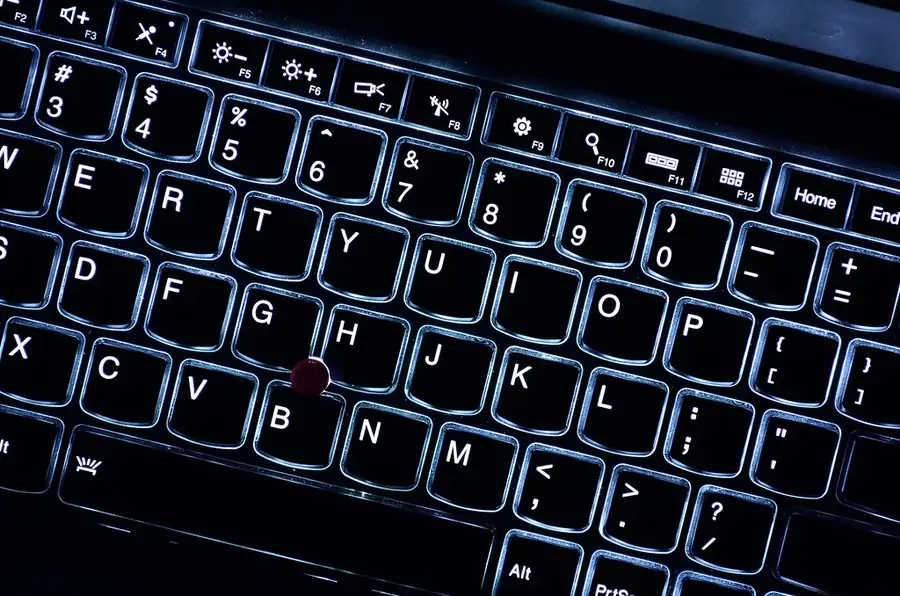
Global shortcut
Anything you copy becomes a link in one shortcut.
Copy a file or an image, then press Ctrl+Shift+Alt+U: the link is on your clipboard, with the panel closed. On Wayland, add the shortcut in your desktop's keyboard settings.
Install
Three ways in.
- Recommended
AppImage
Runs on any distribution without installing, and updates itself.
- Debian, Ubuntu
.deb package
Installs with your package manager. To update, install the new package.
- Fedora, openSUSE
.rpm package
Installs with your package manager. To update, install the new package.
- Linux x86_64, on X11 or Wayland
- A desktop with a system tray: KDE Plasma, Cinnamon, XFCE, or GNOME with the AppIndicator extension
- Any S3-compatible storage: Amazon S3, Cloudflare R2, Backblaze B2, DigitalOcean Spaces, MinIO and more